
New Student Move-In Information
- Reach out to your roommate (information may be available on mySeaport; please note that not all roommates have their information published, and housing cannot provide it to you). Discuss items you will each bring, discover common interests, and discuss how you will communicate with each other.
- Review the Campus Living Handbook to familiarize yourself with our policies and standards for behavior.
- Locate your campus mail information by visiting mySeaport.
- Select "Student Services"
- Click on "Find Your Campus Post Office Box"
- Enter your Student ID to retrieve your mailbox number.
- Pack your belongings and read the "What NOT to Pack" list.
- Please limit your belongings to one (1) car per resident.
- Pack your personal belongings and consolidate items into ONE VEHICLE
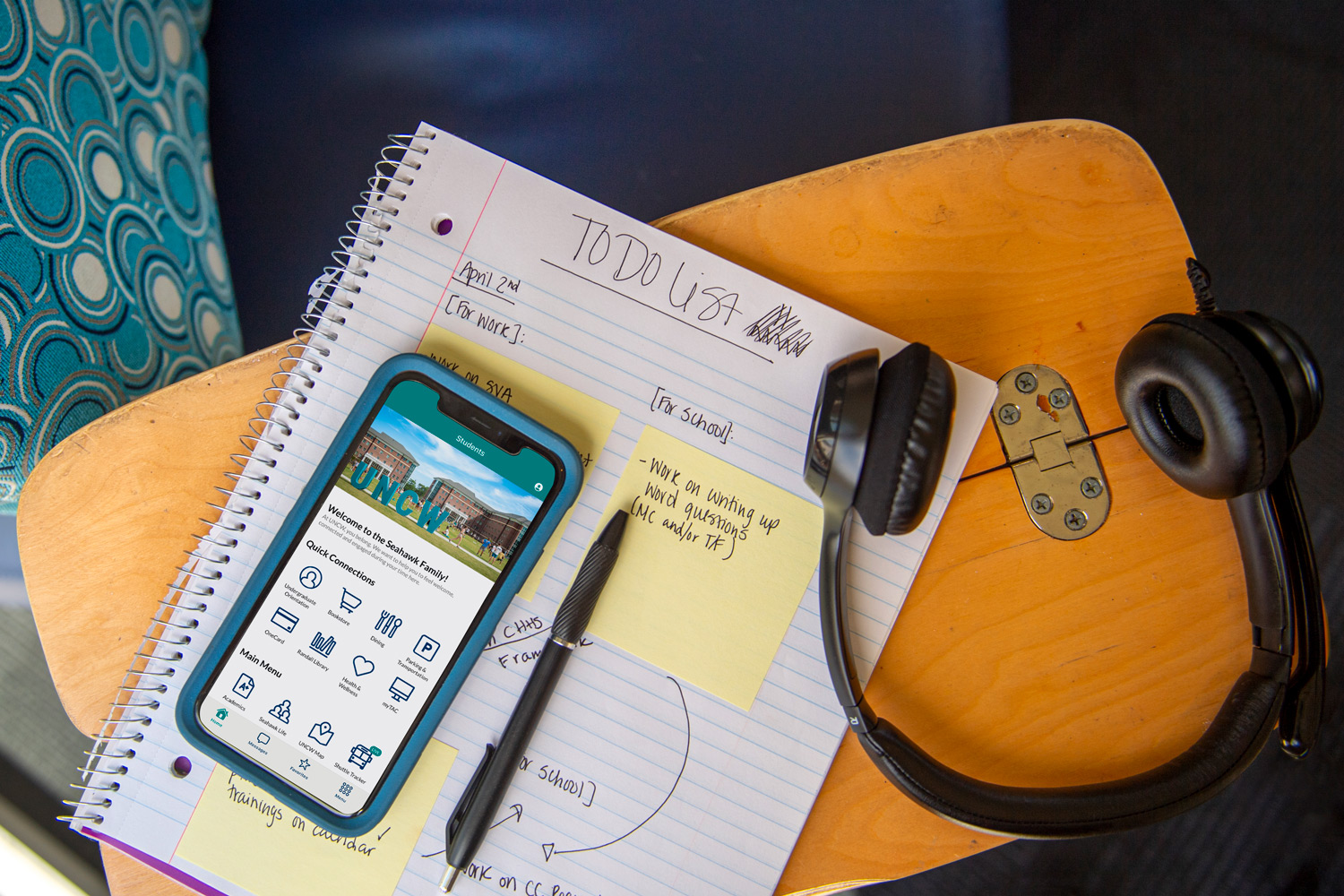
- Download the UNCW Mobile App which features all your Move-In information in one convenient location
- Locate your personalized QR Code and/or EntryID
- Print your designated zone placard
- Arrive to campus during your assigned time. You may be turned away from campus if you arrive before or after your assigned window during Move-In.
- Only 1 carload of items will be allowed to park in the designated unloading zone. All other cars will be directed to another parking lot.
- Label all items, boxes, containers, and totes with your name, room number, and phone number
(Example: Sammy Seahawk, Belk 100,910-962-3241) - Once you are on campus, only utilize the navigation links listed on the Move-In pages for navigating to your check in location. Please be aware that on-campus navigation could change day of. Stay alert to traffic control and campus signage in the event of a route change.
- We will provide large rolling bins to assist with your move-in efforts; however, these are available on a first-come, first-served basis at each residence hall location. If you have your own handtruck/wagon please feel free to bring it along.
- You will have 75 minutes in the unloading zone. Afterwards you will directed to park your car in another lot.
- Boxes, trash, and recycling containers will be available outside for items to be discarded. Please do not pile trash on the floors in the halls.
- Residents are required to attend their mandatory residence hall meeting, where they will meet their Resident Assistant (RA) and learn university policies and standards for living well together.
- Residents are strongly encouraged to take advantage of the opportunity to connect with one another through the Welcome Week Activities.
- Follow us on Instagram @uncwhrl for all the latest on programs and other on-campus offerings.
Move-In Day Resources
Please follow these steps to loft your bed:
- Remove the mattress
- Pull the bed out from the wall
- Use a rubber mallet to unhook the bed frame from the rungs
- Mallets can be picked up from the front desk (on a first come first serve basis) or you can bring your own
- With a buddy, lift the bed to the top rung
- Use the rubber mallet to lock the bed frame back into place
- Push the bed back against the wall
- Use furniture such as the desk and dresser to stabilize the bed further
Please follow these steps to loft your bed:
- Remove the mattress
- Pull the bed out from the wall
- Orient the bed frame pieces between the desk and the wall
- Insert the second stabilizer
- With a buddy, lift the bed onto the bed posts
- Use a rubber mallet to knock the bed into place on the risers
- Mallets can be picked up from the front desk (on a first come first serve basis) or you can bring your own
- Use furniture such as the dresser and the desk to stabilize the bed further
- Railings can be requested via a maintenance request or the front desk
Move-In FAQs
It is typically not possible to change your Move-In Appointment time. Please reach out to housing@uncw.edu to determine what might be possible. Please keep in mind that changes are not guaranteed.
You can submit a request to change your roommate through the wishlist process.
Please arrive at your move-in zone location at your scheduled appointment time. Students can check in no earlier than 10 minutes before their assigned time. Please make sure you have your QR code ready when you arrive.
Each resident/family will be responsible for carrying and moving their items.
Bins will be available on a first-come first-served basis. Residents are also encouraged to bring their own hand trucks and wagons.
Parking will be available at Hamilton Lot, Suites Lot, and Keystone Lots. Please reference the navigation maps on the website for parking instructions.
Parking will be available at Hamilton Lot, Suites Lot, and Keystone Lots. Please reference the navigation maps on the website for parking instructions.
Additional cars can be parked in Hamilton Lot, Suites Lot, Central Deck, and Keystone Lots.
Yes, the UNCW shuttle will circle around campus from 8AM- 5PM during Move-In. See the map below for the shuttle routes through campus.
The shuttle will make the following stops:
- Graham-Hewlett Loop (for all the Seahawk Quad Communities)
- Suites Lot
- In front of Suite Services
- Keystone Lot
- Hamilton Lot
Appointment times are 75 minutes long, and students can be checked in no sooner than 10 minutes before their start time. If you miss that or show up outside of that, please reach out to housing to get directions"
Check out the UNCW dining page for information about which dining spaces are open during Move-In.
Water will be available in all residence hall lobbies in coolers. Water will also be available at hydration stations in each unloading zone.
Monday-Friday 8 AM- 5 PM and during Move-In on Saturday 8/16, the office will be open from 8AM- 5PM.
Move-In appointment times have been strategically put together so that floors move in on the same day. Roommates could move in during the same Move-In appointment time slot. Reach out directly to your roommate for more information.
RA floor meetings are typically in the evening of your Move-In day. Attendance is mandatory as important information about residence hall living and expectations will be covered. Your resident assistant will let you know when and where the RA floor meetings will take place.
If you did not receive your One Card during orientation, you can pick it up during Move-In. After your Move-In appointment time, head over to the One Card office located in the Warwick Center.
The safety of our students, faculty, staff and guests is UNCW's highest priority. Visit the Emergency & Safety Page to learn more about how UNCW prepares for the unexpected and keeps the campus and community informed about actions resulting from severe weather and other emergencies.
TAC or the Technology Assistance Center is the go-to place for setting up your digital devices during Move-In. To learn more about their services and to set up your devices on the hawkwifi network, use the link below.
- If you plan to have a vehicle on campus during the academic year, check to ensure you have a virtual parking permit – a permit is required to park on campus 24/7.
- Log in to the Parking Portal: To view or register your virtual permit.
- Check Your Assigned Parking Area: View parking areas and parking locations in the parking portal
- Student parking is within white lines within your assigned parking zone.
- Because your parking permit is associated with your license plate, you must park with your license plate facing the drive lane (cannot back in or pull through a parking space). If you wish to pull through or back into a parking space, you must have a vanity license plate affixed to your vehicle's front bumper to comply with the license plate recognition technology. Vanity plates can be purchased through the parking portal. If your vehicle is licensed in a two-plate state and you already have a state-issued license plate on the front of your vehicle, a vanity plate is not needed.
All meal plans will be activated on August 12, 2026. Special Move-In dining hours will be in effect during and after move-in. Visit Dining for more information. Regular Fall Semester Dining Hours will begin on August 19, 2026.
If you DID NOT receive your One Card during Orientation, please submit your One Card photo as soon as possible to the One Card Photo Submission found in mySeaport to pick up your One Card at Move-In. Your One Card is required to proceed through the check-in process at move-in, enter the residence halls and access your meal plan.