
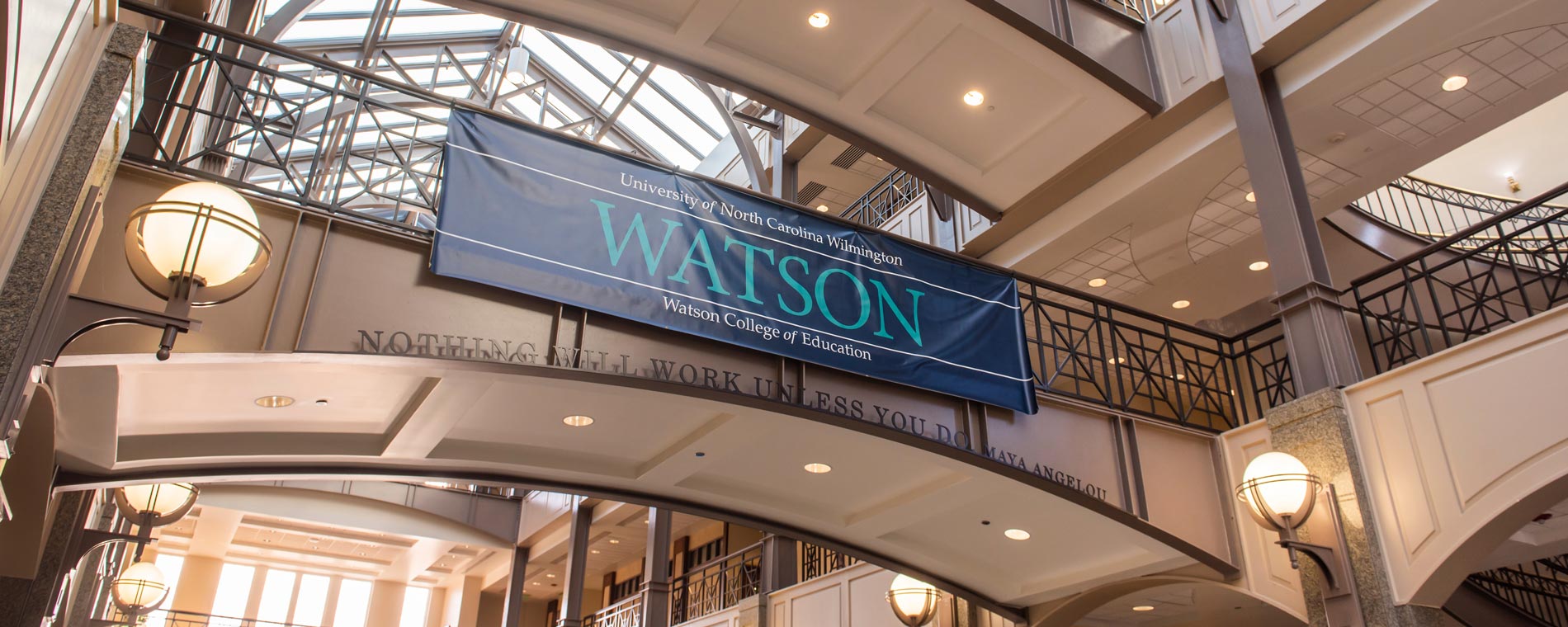

Watson College of Education
Discover Watson College of Education


A Place That Feels Like Home

Applied Learning
Get Started!



News & Events

Contact The Watson College
Hours:
Monday - Friday, 8 a.m. - 5 p.m.
Summer hours:
Monday - Thursday, 7:30 a.m. - 5 p.m.